

The University Library now accepts requests for print and other circulating materials from our collections.
Book Request Policy:
- Library Pickup option available (maximum 8 active requests at a time)
- Requests will be processed within 3-5 business days
- Requesting available for current Sac State faculty, staff, and students
- Requesting is NOT available for materials located in: Reference, Special Collections and University Archives, or Course Reserve
- Locker FAQs
How To Request Books

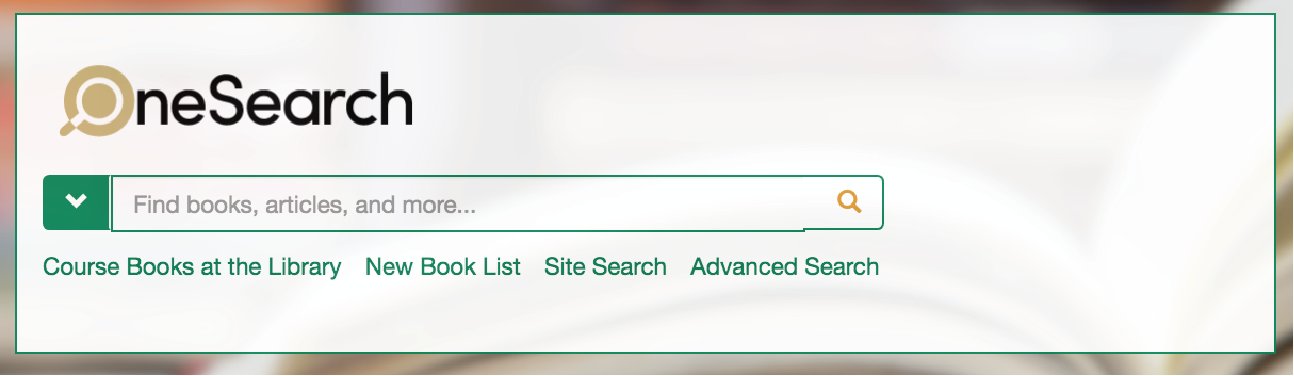
Use OneSearch to find an available item you want to request. Make sure the item is available and not on loan.

From the OneSearch item, click the “Sign in for more options” button. Requesting is available for current Sac State faculty, staff, and students.

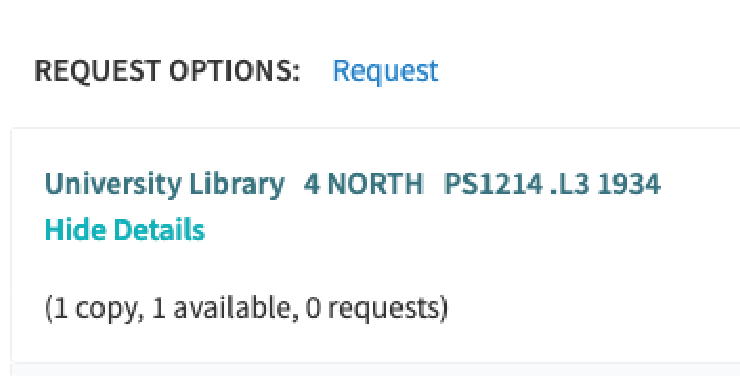
- Click the request link
- Complete the form, and submit your request

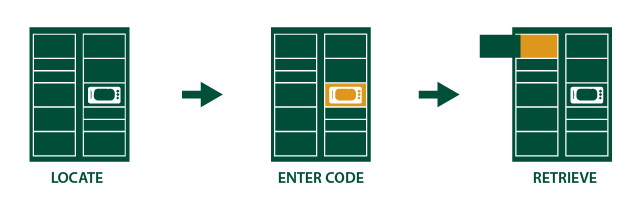
- Locate Lockers: Lockers are located in the front of the library.
- Enter Code: Order code can be entered or scanned at the locker interface screen.
- Retrieve Item: After code is entered, locker will open and your order can be retrieved. Close locker door when finished.